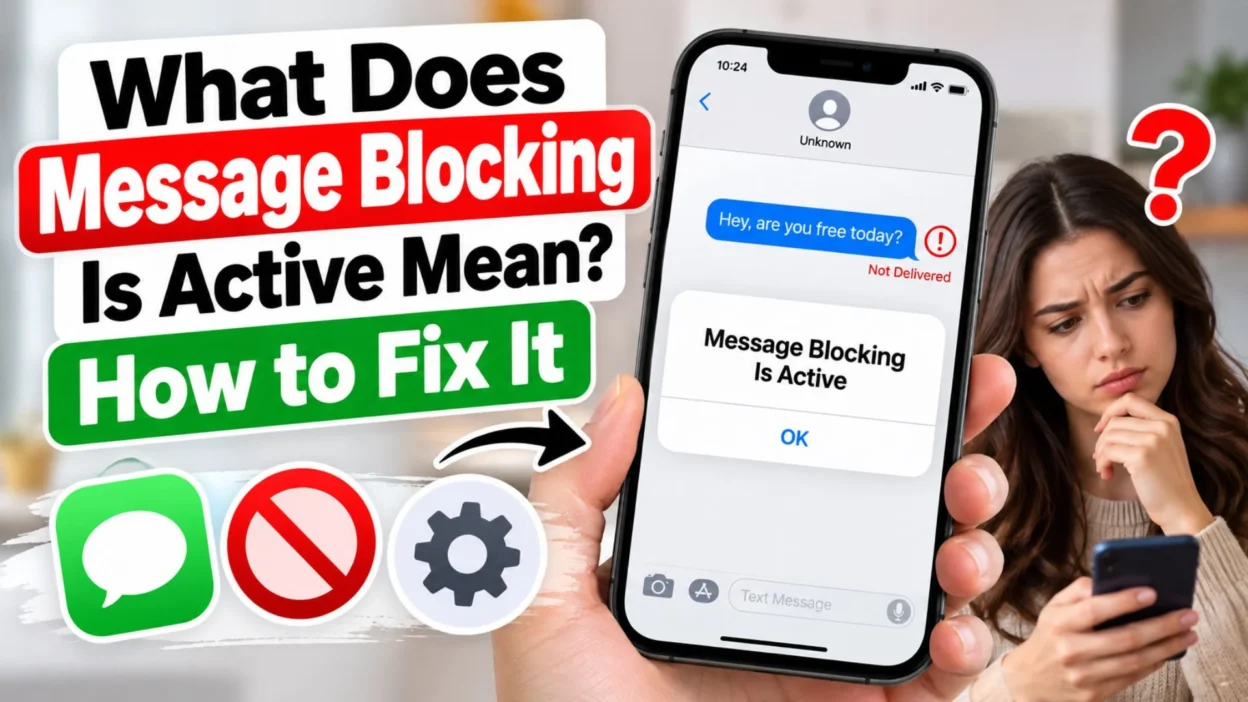
You try to send a text message to someone, expecting it to go through normally, but instead, a strange notification appears: “Message Blocking Is Active.” Your message does not reach the recipient, and you may not know what went wrong. Is your phone broken? Has your mobile carrier restricted texting? Or has the person you are trying to contact blocked your number?
If you are wondering what does message blocking is active mean, the message generally indicates that a restriction is preventing your text from being delivered. The restriction may come from your mobile carrier, account settings, phone configuration, recipient’s number, or a messaging service.
The good news is that this error does not automatically mean someone has blocked you personally. In many cases, you can resolve it by checking your cellular plan, verifying the recipient’s number, reviewing messaging settings, or contacting your carrier.
This guide explains what the notification means, the most common reasons it appears, and the practical steps you can take to fix it on an iPhone or Android phone. You will also learn how to distinguish a technical messaging problem from a possible contact-blocking situation.
What Does Message Blocking Is Active Mean?
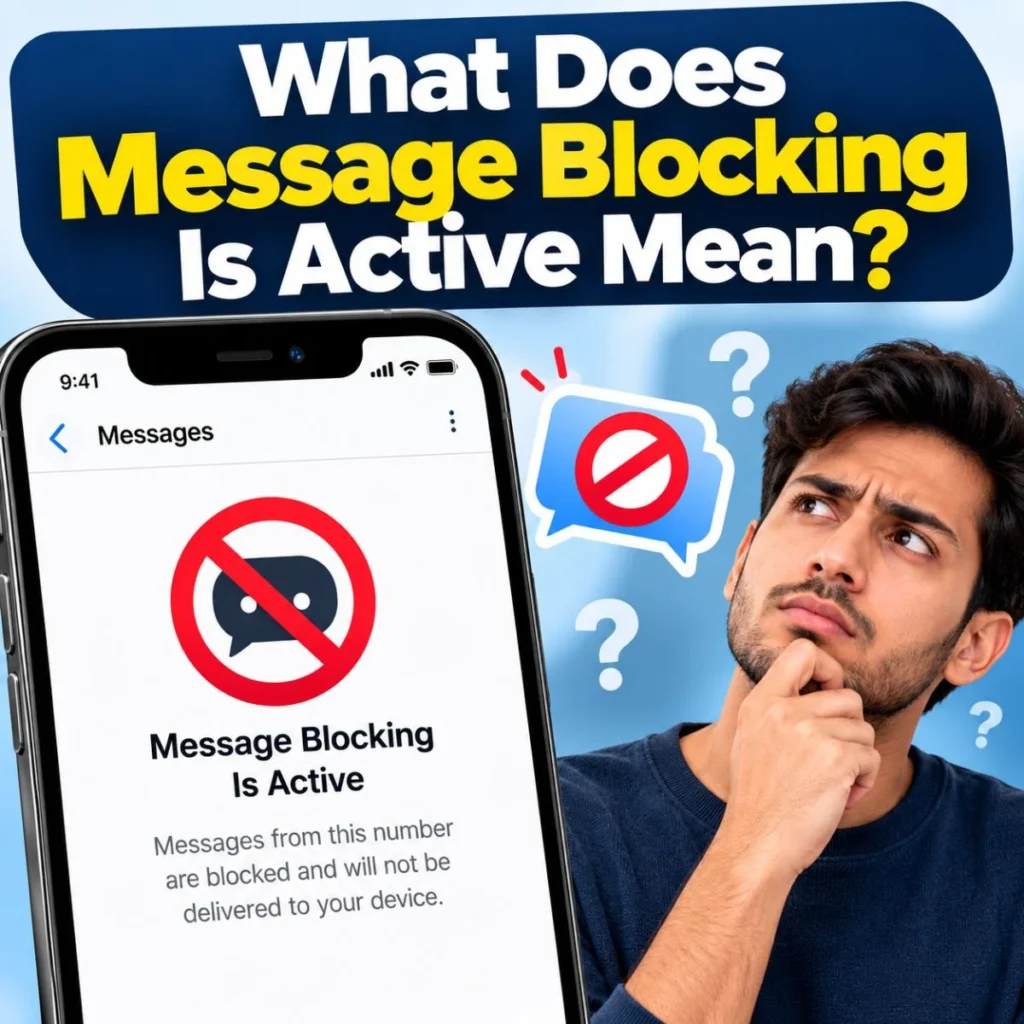
“Message Blocking Is Active” means that your text message is being prevented from going through because some form of messaging restriction is in place.
This notification is commonly associated with mobile carrier SMS or MMS services. It can appear when you attempt to send a message and the network cannot process it because your account, phone number, messaging service, or destination has a restriction.
For example, imagine you are trying to send a message to a friend about meeting for dinner. You tap Send, but the message fails and the notification appears. Your first thought might be that your friend blocked you. However, the issue could actually be an inactive texting plan, a carrier-side restriction, or a problem with your phone’s messaging settings.
The exact cause depends on your carrier, device, and the circumstances in which the error occurs.
Here are the main possibilities:
- Carrier restrictions: Your mobile provider may have blocked outgoing or incoming messages on your account.
- Plan or billing problems: Your account may not include the messaging service you are trying to use, or it may have a service restriction.
- Incorrect recipient information: The number may be incomplete, incorrect, disconnected, or unable to receive the type of message you are sending.
- Phone settings: Certain messaging options, blocked contacts, or configuration problems may interfere with delivery.
- International messaging restrictions: Your plan or carrier may not support the international destination or messaging type.
- Temporary network problems: A carrier outage or messaging-service issue may prevent successful delivery.
One important distinction is that this notification does not identify the exact cause by itself. You need to consider when the problem started, whether it affects one person or everyone, and whether calls and other messaging services work normally.
Why Does Message Blocking Is Active Appear?
Understanding the likely cause can save you time. Instead of changing every setting on your phone, start by identifying the pattern of the error.
Your mobile plan does not support the message
Some mobile plans restrict certain types of messaging. For example, your plan might not include international SMS, premium messaging, or a particular messaging feature.
If your plan has changed recently, your carrier may have disabled a service that previously worked.
Check your account through your carrier’s official app or website. Review whether texting is included, whether your account has an outstanding balance, and whether any messaging restrictions are active.
Your carrier has restricted your account
Mobile providers can apply restrictions for various reasons, including account verification issues, billing problems, service changes, or security concerns.
These restrictions may affect outgoing messages, incoming messages, or particular messaging destinations.
If your messages suddenly stop working even though your phone has signal, contact your carrier and ask whether SMS or MMS blocking is enabled on your line.
The recipient’s number is incorrect
A small mistake in a phone number can prevent delivery. This is especially common when messaging a newly saved contact or someone who has recently changed numbers.
Check the number carefully, including the country code if you are sending an international message.
For example, if you are texting a US number from another country, you may need to enter the appropriate international dialing prefix and country code. Follow your carrier’s instructions for formatting the destination number.
International messaging is restricted
Sending a text across borders may require international SMS support. Some carriers disable international messages by default, while others require specific plan features or account permissions.
If the error appears only when messaging someone abroad, check whether international texting is available on your plan.
Also confirm that you are sending an ordinary SMS rather than an unsupported multimedia message.
Your phone has a messaging configuration problem
Your device may have an outdated carrier configuration, incorrect messaging settings, or a temporary software issue.
On Android, this may involve the default messaging app or carrier services. On an iPhone, the issue may involve SMS settings, carrier settings, or the way the phone handles iMessage and SMS fallback.
A restart and a few basic checks can sometimes resolve these problems.
The recipient may have blocked your number
Blocking is another possibility, but it should not be your first assumption.
A recipient may have blocked your number through their phone or messaging service, but the exact error displayed depends on the carrier and messaging system. Some devices simply stop showing messages normally, while some network errors can appear for unrelated reasons.
You cannot reliably determine that someone blocked you from this notification alone.
How to Fix Message Blocking Is Active
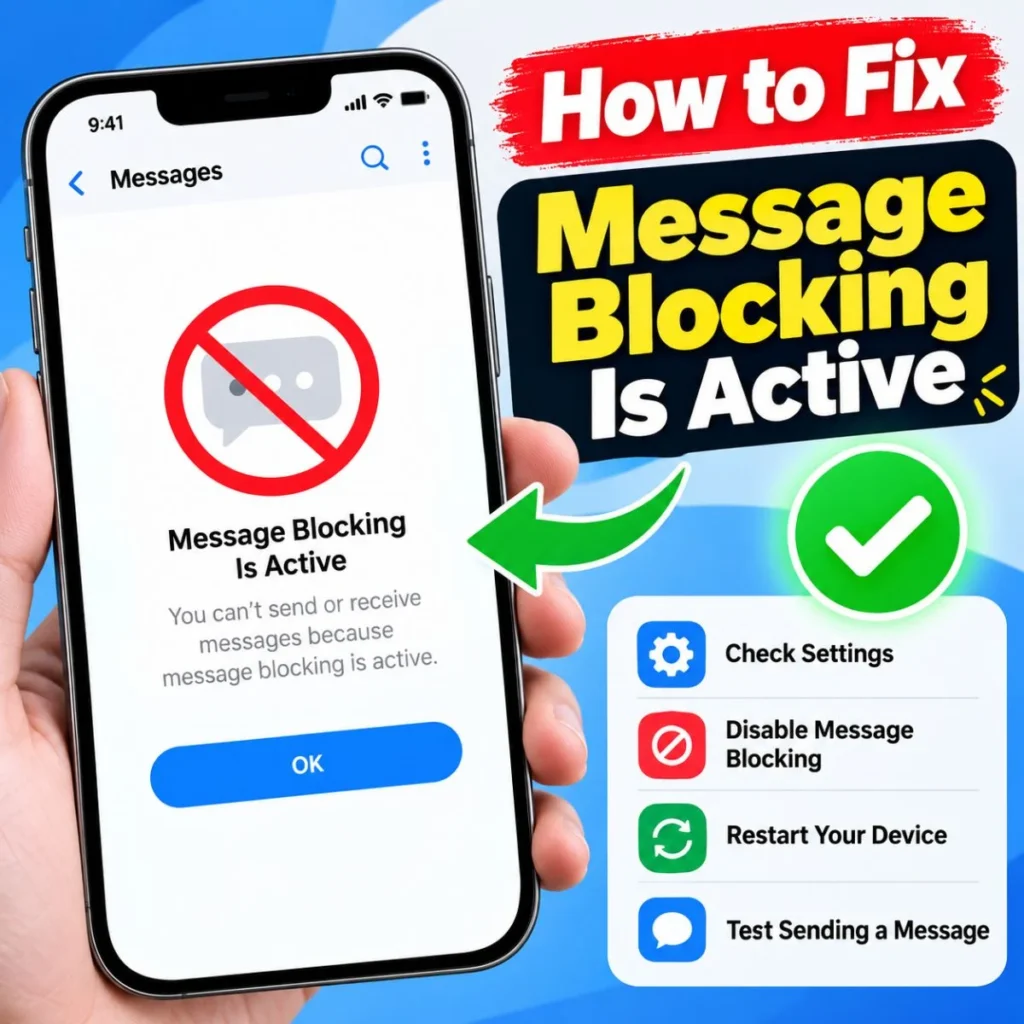
If you want to get your messages working again, follow these steps in order. After each major change, try sending a short text to see whether the problem has been resolved.
Check your mobile account
Start with your carrier because account restrictions are a common reason for SMS delivery problems.
- Open your mobile carrier’s official app or website.
- Check whether your service is active.
- Review your plan’s texting allowance and messaging features.
- Look for billing notices or account restrictions.
- Check whether outgoing SMS, MMS, or international messaging is disabled.
If everything appears normal, contact customer support and ask them to check the messaging status of your specific number.
Restart your phone
A restart can refresh your phone’s connection to the cellular network and clear temporary software problems.
Turn your phone off, wait approximately 30 seconds, and turn it back on. Once the cellular connection returns, open your messaging app and try sending the message again.
This will not remove a carrier-side restriction, but it is a simple first step.
Check your cellular signal
SMS messages usually rely on your carrier’s messaging service, so cellular connectivity matters.
If you have weak coverage, move to an area with a stronger signal. You can also briefly enable Airplane Mode and then disable it to reconnect to the network.
Remember that Wi-Fi access alone does not guarantee that ordinary SMS messages will work. Some phones support Wi-Fi Calling or carrier-dependent SMS over Wi-Fi, but availability varies.
Verify the recipient’s phone number
Open the contact and confirm that the number is correct.
If you are sending an international message, verify the country code and the number’s required format. If the number was copied from an old conversation, confirm that the person still uses it.
Try sending a basic text without pictures, links, or attachments. This can help determine whether the issue involves standard SMS or a more specific messaging feature.
Check messaging settings
On an iPhone, open Settings and navigate to Apps, then Messages, on newer iOS versions. On some older versions, Messages appears directly in Settings.
Check that Send as Text Message is enabled if you want your iPhone to attempt SMS delivery when iMessage is unavailable. The option may not appear in every configuration, and enabling it cannot override a carrier restriction.
On Android, open your default messaging app and check its settings. Make sure the correct SIM is selected if your phone supports dual SIMs, and confirm that the app has not been replaced or disabled unexpectedly.
Menu names vary between manufacturers and software versions.
Update your phone and carrier settings
An outdated operating system or carrier configuration can sometimes cause communication problems.
On an iPhone, check Settings, then General, then Software Update. You can also open Settings, select General, and tap About to see whether a carrier settings update is offered.
On Android, check for system updates and any available updates for your default messaging app.
Install updates from official sources and restart your device afterward if prompted.
Contact your carrier if the error continues
If the notification persists after these checks, your carrier can investigate restrictions that you cannot see in your phone settings.
Explain whether the error happens with every contact or only one number. Ask the representative to verify:
- Whether SMS and MMS are enabled on your line.
- Whether outgoing or incoming message blocking is active.
- Whether international messaging restrictions apply.
- Whether there is a network provisioning or account issue.
- Whether the recipient’s destination is supported by your plan.
This is often the most direct way to identify a restriction that cannot be removed through the phone itself.
What Does Message Blocking Is Active Mean on iPhone?
On an iPhone, the notification can be confusing because Apple’s messaging system supports both iMessage and ordinary SMS or MMS.
iMessage uses Apple’s internet-based messaging service. SMS and MMS generally rely on your mobile carrier. A problem with one service does not necessarily mean the other is unavailable.
If you see “Message Blocking Is Active” on your iPhone, try the following checks.
First, determine whether the problem affects one contact or everyone. If you can text other people but cannot message one particular number, investigate that recipient’s number, carrier compatibility, and any possible blocking settings.
Second, check your cellular connection. Confirm that your iPhone has an active cellular line and that the correct SIM or eSIM is enabled.
Third, review SMS settings. Go to Settings, then Apps, then Messages, and look for Send as Text Message if available. This setting can help when iMessage cannot deliver a message, but it will not resolve a blocked SMS service.
Fourth, check for carrier updates. Open Settings, select General, and tap About. If an update is available, follow the instructions on the screen.
Finally, contact your carrier if ordinary text messages still fail. Ask whether your account has SMS restrictions or whether the destination number is being rejected.
Does the error mean an iPhone user blocked you?
Not necessarily.
If an iPhone user blocks your number, Apple does not normally send you a direct notification confirming that you have been blocked. Delivery behavior varies depending on the messaging service, and a failed text is not conclusive evidence.
A carrier-generated blocking error can point to a network or account restriction instead. Avoid assuming that a relationship or friendship has changed simply because a message did not go through.
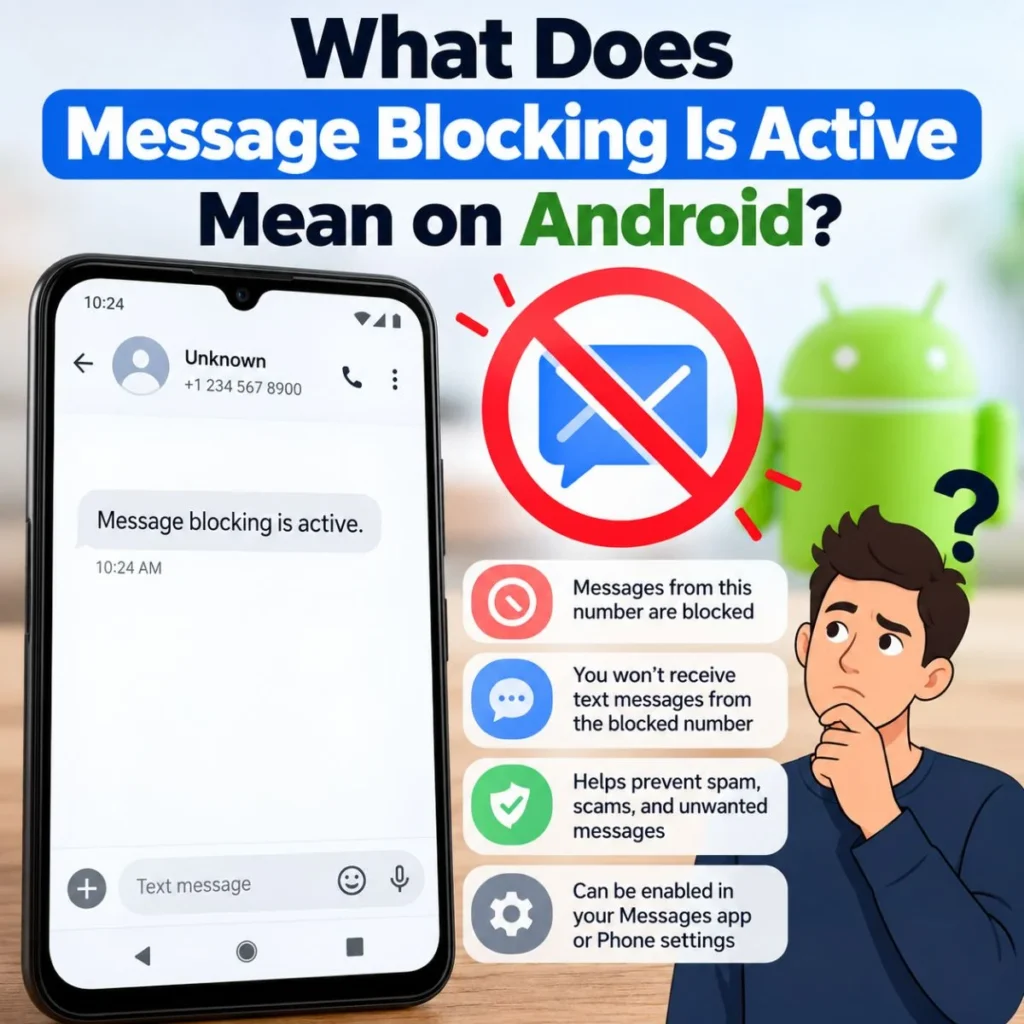
What Does Message Blocking Is Active Mean on Android?
On Android, this notification may appear in Google Messages or another messaging app when a carrier or messaging restriction prevents delivery.
Android phones come from different manufacturers, so the exact settings can vary. However, the main troubleshooting steps are similar.
Start by confirming that your SIM is active and that you have cellular service. If you use two SIM cards, verify that the correct number is selected for sending messages.
Next, open your messaging app and make sure it is set as your default SMS app. If you recently switched messaging apps, check whether the problem started around that time.
You can also try the following:
- Restart your phone.
- Update Google Messages or your default messaging app.
- Install available Android and carrier service updates.
- Clear the messaging app’s cache if your device offers that option.
- Check whether the recipient’s number is correct.
- Ask your carrier to check for SMS restrictions.
Clearing an app’s cache is different from clearing its storage or data. Avoid clearing storage unless you understand the consequences for your app settings and locally stored information.
If messages fail only when you contact one person, test another recipient. If every SMS message fails, a carrier, SIM, or phone configuration issue becomes more likely.
Can Android blocking settings cause this error?
Blocked contacts can affect how your phone handles communication, but they do not necessarily cause this exact carrier-style notification.
Review your messaging app’s blocked numbers list if you suspect you accidentally blocked a contact. The location of this setting depends on the app and Android version.
If the number is not blocked and the error continues, do not spend too much time changing unrelated settings. Ask your carrier to check the line.
Does Message Blocking Is Active Mean Someone Blocked You?
This is one of the most common concerns behind the notification.
When a message fails to send, it is natural to wonder whether the recipient deliberately blocked you. This can feel especially uncomfortable when you are texting a close friend, a partner, or someone you need to contact for an important reason.
However, “Message Blocking Is Active” does not prove that someone blocked your number.
The notification generally indicates a restriction on message delivery, and the source of that restriction may be technical rather than personal.
Consider these situations:
- You cannot text anyone: Your own account, SIM, device, or carrier service may be responsible.
- You can text everyone except one person: The destination number, recipient’s carrier, or a contact-specific restriction may be involved.
- The problem started after changing plans: Your account’s messaging features may have changed.
- Only international messages fail: Your plan or carrier may restrict international SMS.
- The message fails intermittently: Temporary network or service problems may be responsible.
None of these patterns proves that a recipient has blocked you. They simply help narrow down the possible causes.
If you are concerned about a personal situation, give the other person space rather than repeatedly trying to contact them through different numbers or accounts. If communication is necessary, use an appropriate, mutually acceptable method.
The most useful approach is to investigate the technical problem first and avoid interpreting an error message as a personal rejection.
How to Fix Message Blocking Is Active When Texting One Person
If you can send messages to other contacts but not to one particular person, your troubleshooting should focus on that specific connection.
Start by checking that you have saved the correct phone number. A person may have changed numbers, switched carriers, or provided an incorrect contact detail.
Next, remove unnecessary complexity from your message. Send a short text without photographs, videos, or links. Multimedia messages can have different requirements from ordinary SMS, and a simple test can help narrow the problem.
Then consider whether the recipient’s number is active and able to receive messages. If you can reasonably contact the person through an existing, appropriate communication channel, ask whether their number has changed or whether they are experiencing messaging issues.
If you suspect your number may be blocked, remember that the error alone cannot confirm it. Avoid repeatedly calling or messaging from alternative numbers to test the recipient’s response.
You should also ask your carrier whether it can identify a destination-specific restriction. Some carriers can investigate failed message delivery, although the information available depends on their systems and policies.
A useful troubleshooting sequence is:
- Verify the number.
- Send a simple test SMS.
- Test another contact.
- Check whether calls work, if appropriate.
- Ask your carrier to investigate the failed message.
These checks can help separate a general service problem from an issue affecting one destination.
How to Prevent Message Blocking Errors in the Future
You cannot prevent every carrier restriction or network outage, but a few habits can reduce avoidable messaging problems.
Keep your account active. Review your mobile plan and respond to account notices promptly. If you rely on international messaging, make sure the feature is included or enabled.
Save phone numbers correctly. Include the appropriate country code for international contacts, and update old numbers when people change them.
Keep your device updated. Install official operating system, messaging app, and carrier configuration updates when available.
Check your SIM settings. If you use dual SIMs, confirm which line is responsible for outgoing SMS messages.
Understand the difference between messaging services. iMessage, SMS, MMS, and internet-based messaging apps do not all use the same delivery systems. A message may work in one service but fail in another.
Do not repeatedly change settings without a reason. Factory resetting your phone should not be your first response to a message-blocking error. It can erase personal information and may not resolve a carrier-side restriction.
If the error returns regularly, document when it happens, which destinations are affected, and whether the problem occurs on Wi-Fi, cellular data, or the cellular network. These details can help customer support investigate the issue more efficiently.
Frequently Asked Questions
What does message blocking is active mean when sending a text?
It means that a restriction is preventing your message from being delivered. The restriction may involve your mobile account, carrier settings, recipient’s number, or messaging service. The notification alone does not reveal the exact cause.
Does message blocking is active mean my number is blocked?
No, not necessarily. The error is not reliable proof that another person blocked you. Check whether you can text other contacts, verify your account status, and ask your carrier to investigate if the problem continues.
How do I turn off message blocking?
There is no universal switch for this error. Check your carrier account, messaging plan, SIM settings, and recipient number first. If your carrier has applied a restriction, you may need its support team to remove it.
Why am I getting message blocking is active on my iPhone?
Possible reasons include carrier restrictions, inactive SMS service, incorrect recipient details, international messaging limitations, or a temporary configuration problem. Check your cellular line and messaging settings, then contact your carrier if the error persists.
Why does message blocking is active appear on Android?
Your carrier may be blocking SMS, your SIM may have a service issue, or your messaging app may have a configuration problem. Restart your device, check the default SMS app and selected SIM, and test another contact.
Can I fix message blocking is active without calling my carrier?
Sometimes. Restarting your phone, checking your plan, correcting a phone number, updating your device, or adjusting messaging settings may resolve the problem. However, if the restriction exists on your carrier account, customer support may be necessary.
Conclusion
If you have been searching for what does message blocking is active mean, the essential point is that your text message is being prevented from reaching its destination because of a messaging restriction. That restriction could involve your mobile plan, carrier account, phone settings, recipient’s number, or the messaging service itself.
The best solution is to identify the pattern of the problem instead of immediately assuming the worst. If messages fail for everyone, investigate your phone, SIM, and carrier account. If the error affects only one person, verify their number and test whether ordinary SMS works with other contacts.
On an iPhone, review your messaging and cellular settings. On Android, check your default messaging app, SIM selection, and available updates. If none of these steps works, contact your carrier and ask it to investigate SMS restrictions on your line.
Most importantly, remember that this notification does not automatically mean someone has blocked you. A failed message is a technical symptom, not proof of another person’s intentions.
With a few careful checks, you can narrow down the cause, avoid unnecessary changes to your phone, and determine the most effective next step to get your messages working again.

Muhammad Sarfraz is a content creator and author at Message Ideas Daily, passionate about creating heartfelt, practical, and meaningful message ideas that help people express their feelings and connect with others.