
You open Gmail expecting to find an important email, but it is nowhere in your inbox. You search by sender, subject, and keyword. Nothing appears. Then you check Trash and discover that the message is gone—or perhaps you suspect someone accessed your account and deleted several emails.
That is exactly the situation where the Gmail message recovery tool can become useful.
Google provides an official Gmail Message Recovery Tool specifically for emails that may have been deleted because someone accessed the account without permission. It is not a general-purpose “undelete everything” program, and it cannot guarantee that every missing message will be restored.
Before assuming an email is permanently lost, however, there are several things worth checking. A message may still be in Trash, archived, moved by a filter, or affected by an account-security problem.
This guide explains what the recovery tool does, when to use it, how Gmail’s normal deletion process works, what happens after 30 days, and what steps you should take if your messages disappeared unexpectedly.
What Is the Gmail Message Recovery Tool?
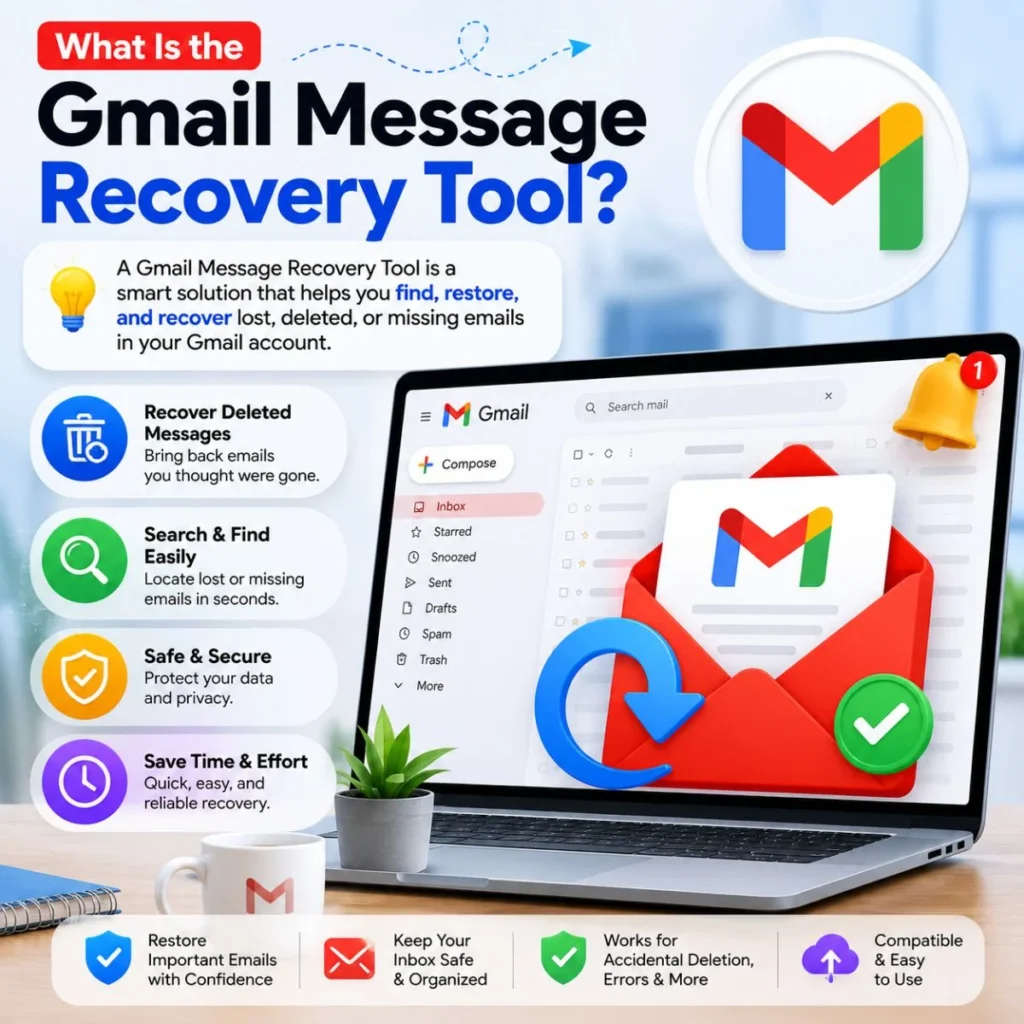
The Gmail Message Recovery Tool is an official Google recovery option designed to help users recover emails that may have been deleted because someone accessed their Gmail account without permission. Google’s own recovery page asks you to sign in before starting the process.
That distinction matters.
The tool is not simply another version of Gmail’s Trash folder. If you accidentally deleted an email a few minutes ago, you normally do not need a special recovery tool. Gmail moves deleted messages to Trash, where they can generally be recovered for up to 30 days.
The recovery tool is more relevant when messages are missing under unusual circumstances, particularly when you believe unauthorized access may have resulted in emails being deleted.
For example, it may be worth considering if:
- Several emails suddenly disappeared.
- You suspect somebody accessed your Google Account.
- Messages are missing from both the inbox and Trash.
- You notice other unfamiliar Gmail activity.
- Emails were deleted without you intentionally removing them.
- You regained access to a compromised account and discovered missing mail.
Google also advises users who suspect account compromise to review recent security activity, unfamiliar devices, Gmail forwarding settings, filters, delegation, and other account changes.
First, Check Gmail Trash Before Using the Recovery Tool
If you deleted an email yourself, start with Trash.
Gmail’s normal deletion process is straightforward: when you delete a message, Gmail moves it to Trash. For up to 30 days after deletion, you can open Trash, select the message, and move it back to your inbox or another location.
On a computer, you can generally do this by:
- Open Gmail.
- Look at the left sidebar.
- Select More if Trash is not immediately visible.
- Open Trash.
- Find the missing message.
- Select it.
- Choose Move to.
- Select Inbox or another folder.
Google notes that messages in Trash are automatically deleted after 30 days. Once a message has been permanently deleted from Trash, the normal Gmail interface cannot restore it.
This is why checking Trash should be your first step. There is no advantage in using a specialized recovery process when the email is still sitting safely in Gmail’s Trash.
A quick recovery example
Imagine you deleted an invoice yesterday and immediately realized your mistake.
You do not need to panic or search for third-party recovery software. Open Trash, locate the invoice, select it, and move it back to your inbox.
The situation is different if the invoice was removed from Trash, disappeared because of suspicious account activity, or cannot be found anywhere. That is when additional troubleshooting becomes important.
When Should You Use the Gmail Message Recovery Tool?
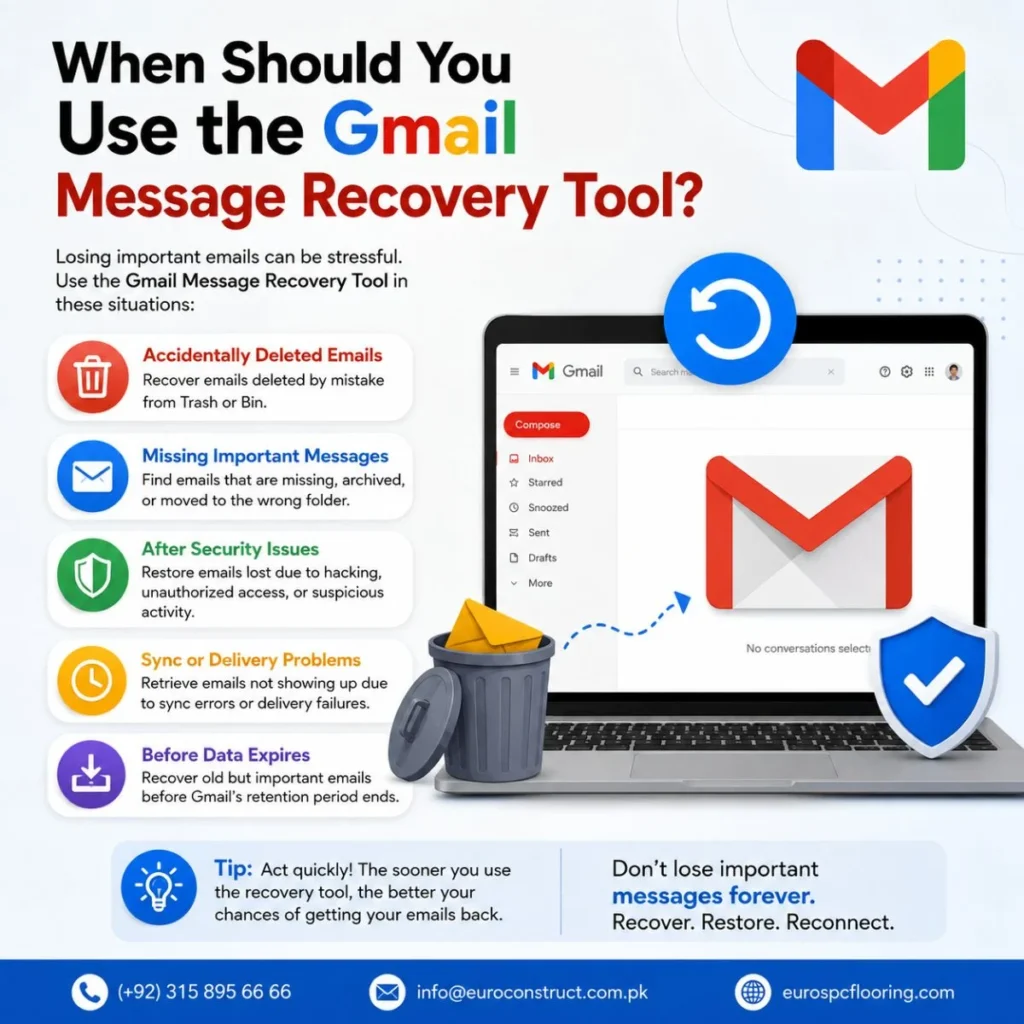
The recovery tool makes the most sense when your missing emails appear connected to unauthorized access or an unusual deletion event.
Google specifically describes the tool as a way to recover emails that might have been deleted due to someone accessing your account without permission.
Consider using it when you have already checked the obvious locations and still cannot explain what happened.
For instance, suppose you sign into Gmail and discover that months of correspondence are missing. You did not delete them. Your Trash folder does not contain them. You also notice an unfamiliar device in your Google Account.
That is not simply an accidental deletion problem. It may be an account-security problem.
In that situation, your priority should be:
- Secure the Google Account.
- Review recent security activity.
- Check unfamiliar devices.
- Look for suspicious Gmail settings.
- Investigate missing messages.
- Use Google’s official recovery options where appropriate.
Google recommends reviewing security events and devices when you believe somebody else may be using your account.
How to Use the Gmail Message Recovery Tool
The safest approach is to use Google’s official Gmail Help recovery page rather than downloading software that claims it can retrieve Gmail messages from Google’s servers.
Google provides the Gmail Message Recovery Tool through Gmail Help. The page prompts you to sign in and begin the recovery process.
A practical process looks like this:
Sign in to the affected account
Make sure you are working with the Gmail account where the messages disappeared.
If you cannot sign in at all, the problem may be account access rather than email recovery. Google provides a separate account recovery process for forgotten passwords, usernames, verification problems, and compromised accounts.
Confirm that messages are genuinely missing
Before submitting a recovery request, check Gmail carefully.
Look in:
- Inbox
- Trash
- Spam
- All Mail
- Sent
- Archived messages
- Relevant labels
You can also search Gmail using information such as the sender’s address, subject, or a distinctive phrase from the email.
Sometimes an email feels “deleted” simply because it was archived or moved somewhere unexpected.
Open Google’s recovery tool
Use Google’s official Gmail Message Recovery Tool and follow the instructions shown after signing in. The tool is specifically presented by Google for messages that may have been deleted as a result of unauthorized account access.
Provide the requested information
Follow the on-screen prompts carefully. Avoid entering your Gmail password or verification codes into websites that claim to offer a separate “Gmail recovery service.”
Google explicitly warns users to avoid account and password recovery services that claim to provide this kind of support.
Wait for the recovery process
Recovery is not guaranteed. The tool should be treated as an official recovery attempt, not a promise that every permanently deleted message can be reconstructed.
That distinction is important because many websites advertise “100% Gmail email recovery” services without explaining Gmail’s actual deletion system.
Can You Recover Gmail Emails After 30 Days?
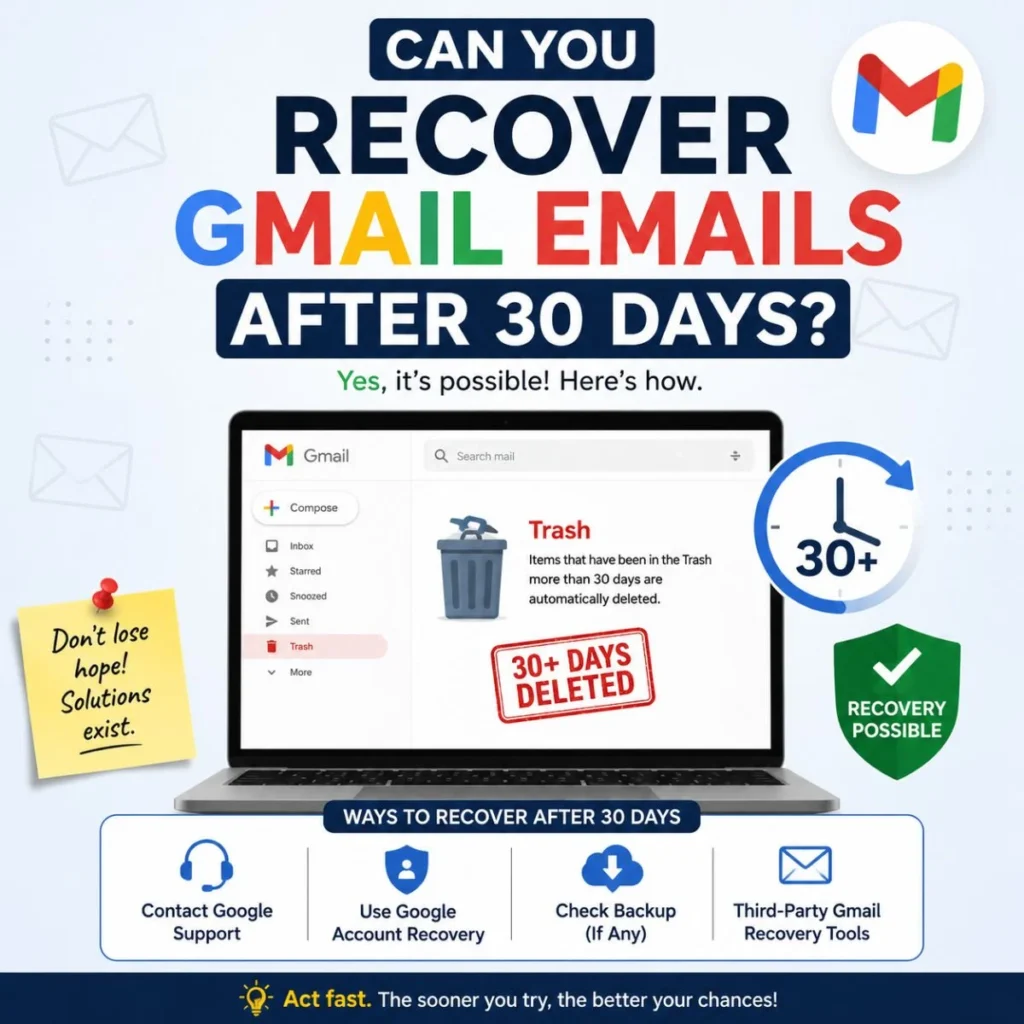
For ordinary Gmail deletion, the answer is generally no.
Google states that deleted messages remain in Trash for up to 30 days. During that period, they can be recovered. After 30 days, Gmail permanently deletes the messages, and they cannot be recovered through the normal Trash recovery process.
Messages missing because of suspected unauthorized account access: The official Gmail Message Recovery Tool may be appropriate to try.
This is why you should not assume that a recovery tool works like a recycle bin that keeps everything indefinitely.
What if the email was deleted months ago?
If you intentionally deleted an email several months ago and it has already passed Gmail’s normal retention period in Trash, expectations should be realistic.
The Gmail Message Recovery Tool is specifically described by Google for messages that might have been deleted because someone accessed the account without permission. It should not be presented as a guaranteed solution for every old or permanently deleted email.
If the missing email is extremely important, you should still investigate every legitimate recovery route available to your particular account, especially if you believe the disappearance resulted from unauthorized activity.
What If Your Gmail Messages Disappeared Because of a Hacked Account?
This is one of the most important situations to recognize.
A hacked account may involve more than deleted messages. Google lists several suspicious Gmail changes that can indicate unauthorized access, including unfamiliar forwarding rules, filters, delegation, blocked addresses, scheduled emails, and other settings.
For example, someone who gains access to your account could potentially alter Gmail settings so that messages are handled differently than you expect.
If you notice unexplained missing emails, do not focus exclusively on recovering the messages. Secure the account first.
Change your password
If you believe someone else has access, change your Google Account password immediately. Google recommends doing this when you suspect another person is signed in.
Choose a strong password that you have not used for the account before.
Review recent security events
Open your Google Account security settings and review recent activity.
Look for:
- Unknown sign-ins
- Unrecognized devices
- Unexpected password changes
- Changes to recovery information
- Other unfamiliar security events
Google provides tools for reviewing security events and devices associated with the account.
Check Gmail settings
Pay particular attention to:
- Mail forwarding
- Filters
- Delegation
- Blocked addresses
- POP or IMAP access
- Vacation responder
- Scheduled emails
Google specifically identifies these Gmail settings as areas worth checking when investigating suspicious account activity.
Secure other accounts
If you reused your Gmail password on other websites, change those passwords too.
Google recommends changing passwords for accounts and services where the same password was used, particularly when an account may have been compromised.
Missing Gmail Messages May Not Actually Be Deleted
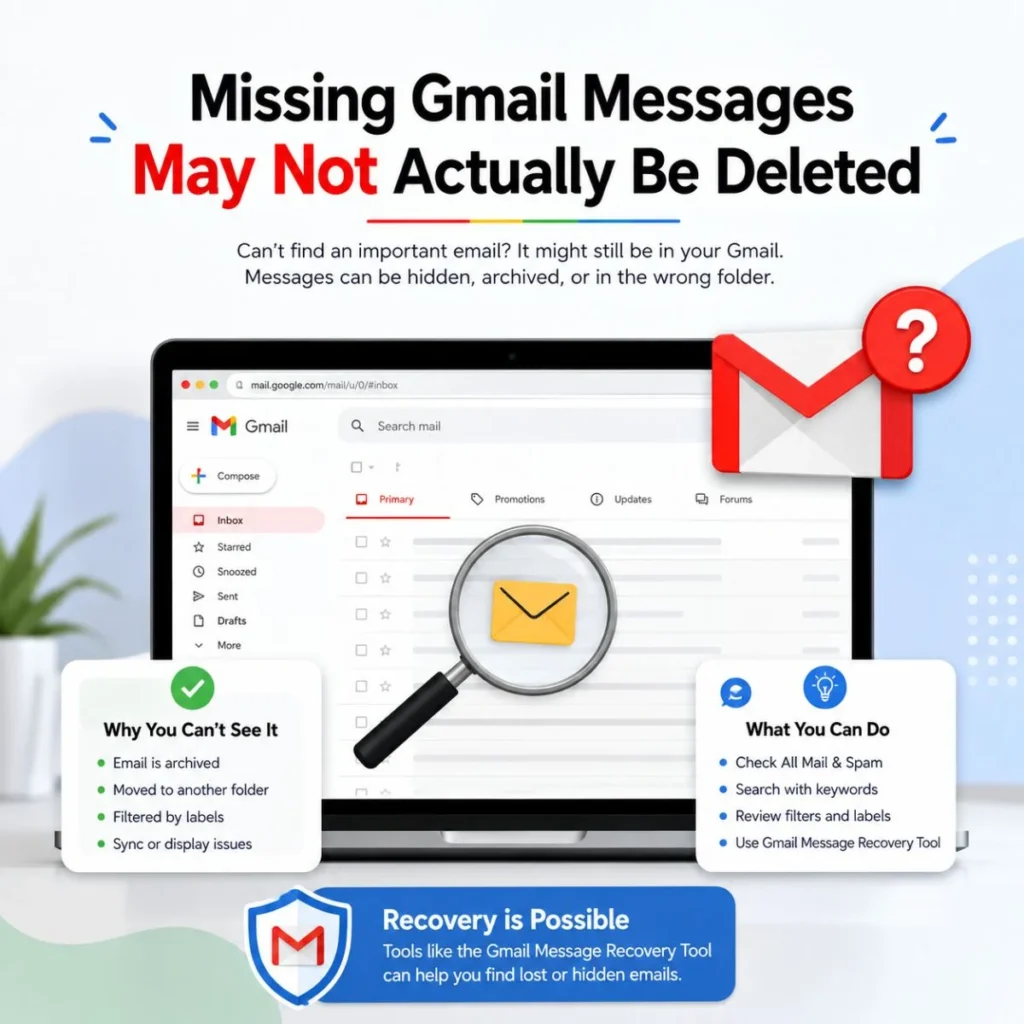
Before assuming you need recovery software or a recovery request, consider that the message may simply be somewhere else.
Check All Mail
Archived messages do not appear in the Inbox, but they can still exist in your account.
Google recommends searching archived messages through Gmail’s search system, including the in:archive search operator.
Check Spam
A message that was incorrectly classified as spam may appear to have disappeared from your normal inbox.
Open Spam and search for the sender or subject you remember.
Search Gmail directly
Instead of scrolling through thousands of messages, search using details you know.
Try combinations involving:
- Sender
- Recipient
- Subject
- Date
- Keywords
- Attachment type
A precise search can sometimes locate a message faster than manually checking folders.
Check filters
An automatic Gmail filter may have moved a message, archived it, labeled it, or otherwise changed where it appears.
This is particularly worth checking when a certain sender’s messages consistently seem to disappear.
Gmail Recovery Tool vs. Third-Party Recovery Software
When people lose an important email, it is tempting to search for a downloadable recovery program.
Be cautious.
A normal computer file-recovery program cannot simply scan Google’s servers and reconstruct permanently deleted Gmail messages. Gmail is a cloud-based service, so tools designed to recover deleted files from a local hard drive are not equivalent to Gmail’s official recovery options.
More importantly, giving a third-party service your Gmail password or verification code can put the account at greater risk.
Google says it does not work with services that claim to provide account or password support and advises users not to share passwords or verification codes.
For Gmail message recovery, the safest starting point is therefore Google’s own tools and support documentation.
Be especially skeptical of websites promising:
- Guaranteed recovery
- Recovery of emails from years ago
- Password-free access to another account
- Instant recovery of permanently deleted messages
- A paid “Google employee” recovery service
- Requests for your Gmail password or verification code
A recovery service asking for your credentials can create a much bigger problem than the missing email.
How to Prevent Important Gmail Messages From Being Lost
Recovery is useful, but prevention is even better.
If you regularly receive contracts, receipts, business correspondence, family records, travel information, or other important messages, create a system for protecting the information you cannot afford to lose.
Archive instead of deleting
If you simply want an email out of your inbox, archive it rather than deleting it.
Archiving removes the message from the Inbox while keeping it available in your account. Google provides instructions for finding archived messages and moving them back to the inbox.
Use labels
Labels make important conversations easier to organize.
For example, you might create labels such as:
- Important Documents
- Receipts
- Work
- Travel
- Family
- Financial
- Orders
This can reduce the temptation to delete messages simply because your inbox is crowded.
Keep your recovery information current
Google recommends adding recovery information to help regain access if you forget your password, become locked out, or someone else uses your account.
Recovery information can make account-access problems easier to resolve.
Review security regularly
Do not wait until emails disappear.
Occasionally review your Google Account security activity and connected devices. If you see something unfamiliar, investigate it promptly.
How to Choose the Right Gmail Recovery Method
The best recovery step depends on what actually happened.
You deleted it within the last 30 days: Open Trash and restore it.
You archived it accidentally: Search All Mail or use Gmail’s archive search.
The email went to Spam: Open Spam and move it back if appropriate.
You suspect a filter moved it: Review Gmail filters.
Many messages disappeared unexpectedly: Investigate account security.
You believe someone accessed your account and deleted messages: Consider Google’s Gmail Message Recovery Tool.
You cannot sign in to Gmail: Use Google’s Google Account recovery process instead.
The message was permanently deleted long ago: The normal Gmail recovery process cannot restore it after the applicable deletion period.
This decision-making approach is much safer than immediately installing a third-party “email recovery” program.
Common Mistakes to Avoid During Gmail Recovery
Recovering an important email can be stressful, especially when the message contains information you urgently need. That is when people are most likely to make risky decisions.
Avoid these mistakes.
Do not repeatedly delete and empty folders
If you find the missing email in Trash, restore it instead of experimenting with permanent deletion options.
Do not share verification codes
A person claiming to be a recovery expert should never need your Google verification code simply to “restore” a message.
Google specifically advises users not to provide passwords or verification codes to account-recovery services.
Do not assume every missing message was deleted
Search Gmail before concluding that a message is gone.
Check archive, Spam, Trash, filters, and labels.
Do not wait unnecessarily if you suspect unauthorized access
If your account may have been compromised, security should be addressed immediately. Google recommends securing the account and reviewing suspicious activity when unauthorized access is suspected.
Do not expect guaranteed recovery
The Gmail Message Recovery Tool is an official Google option, but that does not mean every missing message can be restored.
Use it when your situation fits the purpose of the tool, while keeping expectations realistic.
Frequently Asked Questions
What is the Gmail message recovery tool?
The Gmail Message Recovery Tool is an official Google Help feature intended to help recover emails that may have been deleted because someone accessed the Gmail account without permission. It is different from simply restoring an email from Trash.
Can Gmail recover permanently deleted emails?
Normally, Gmail messages can be recovered from Trash for up to 30 days. After that, Google states that messages are permanently deleted and cannot be recovered through the normal Trash process.
If messages disappeared because of suspected unauthorized account access, Google’s official Message Recovery Tool may be worth trying. It is not a guarantee that the messages will return.
How do I recover deleted Gmail messages?
First, open Gmail and check Trash. If the message is still there and within the applicable 30-day period, select it and use Move to to return it to your inbox or another folder.
If the message is missing from Trash and you suspect unauthorized account activity, use Google’s official Gmail Message Recovery Tool.
What if someone deleted my Gmail emails?
Secure your Google Account immediately. Change your password, review recent security activity, check unfamiliar devices, and investigate Gmail settings such as forwarding, filters, delegation, and blocked addresses. Google identifies these as important areas when investigating suspicious Gmail activity.
After securing the account, you can try the official Gmail Message Recovery Tool if the situation matches its intended use.
Is there a Gmail recovery program I can download?
You should not need to download a program to use Google’s official Gmail Message Recovery Tool. The recovery option is provided through Google’s Gmail Help system.
Be careful with third-party software or services that request your Gmail password, verification code, or other sensitive account information.
Can I recover an email that I deleted several months ago?
Normal Gmail Trash recovery is limited: messages are automatically removed from Trash after 30 days, after which Google says they cannot be recovered through the normal Gmail process.
If the disappearance was connected to unauthorized access rather than ordinary deletion, you can investigate Google’s official recovery options. However, you should not assume that an old, permanently deleted message is guaranteed to be recoverable.
Conclusion
Losing an important Gmail message can be frustrating, but the right recovery step depends on why the message disappeared.
If you deleted it recently, Trash should be your first stop. Gmail normally keeps deleted messages there for up to 30 days, giving you an opportunity to restore them. If the message is not in Trash, search other locations such as All Mail, Spam, and archived messages before assuming it is gone.
When several messages disappear unexpectedly—or you believe someone accessed your account—the Gmail message recovery tool becomes more relevant. Google’s official tool is specifically designed for emails that may have been deleted because of unauthorized account access.
At the same time, recovery should never come at the expense of account security. Change a compromised password, review unfamiliar devices and security events, and check Gmail settings for suspicious changes.
Most importantly, avoid websites promising guaranteed Gmail recovery in exchange for your password or verification code. Start with Google’s official recovery options, investigate the reason your messages disappeared, and protect important emails before you ever need to recover them.

Muhammad Sarfraz is a content creator and author at Message Ideas Daily, passionate about creating heartfelt, practical, and meaningful message ideas that help people express their feelings and connect with others.