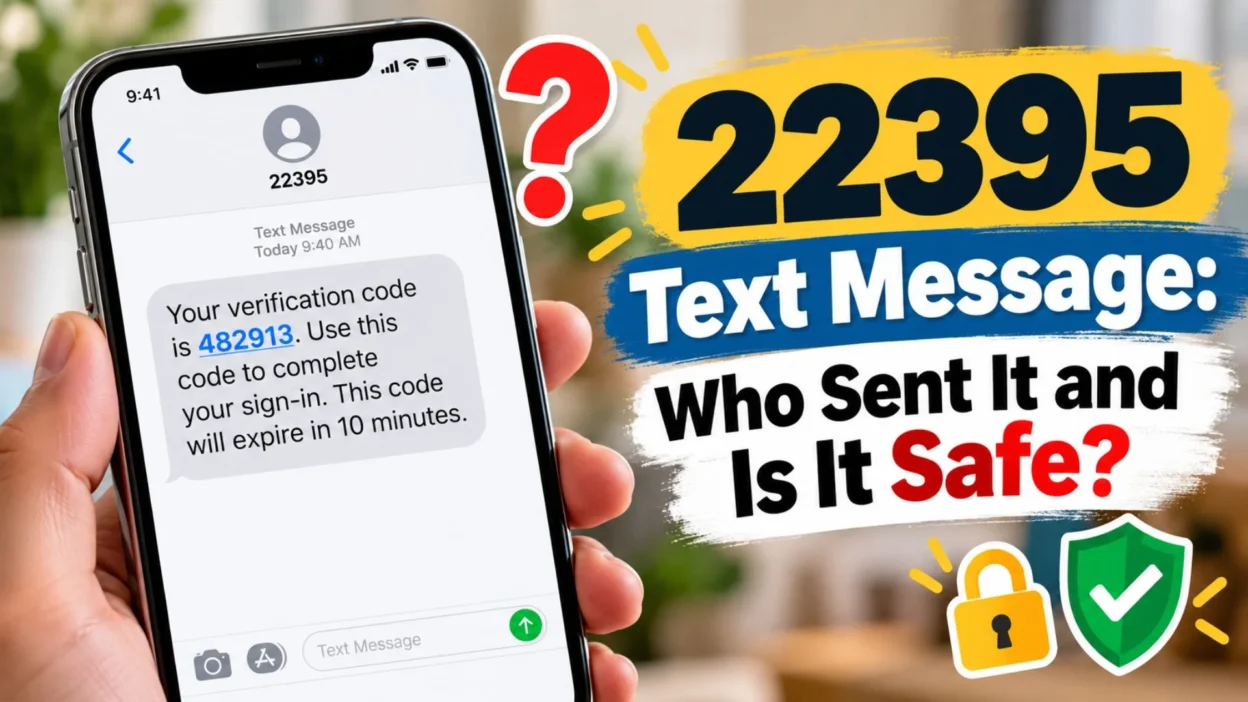
Seeing a 22395 text message appear on your phone can be confusing, especially when you do not immediately recognize the five-digit sender. If the message contains a verification code, you may wonder whether someone is trying to access your account or whether the text is simply part of a normal sign-in process.
The important thing to understand is that 22395 is an SMS short code, not necessarily the name of one specific company. Current online records associate the code with automated authentication and verification messages, and different services may use messaging infrastructure associated with the same short code. Some documented examples include authentication-related messages and account verification.
That means the content of the message matters more than the number alone.
If you recently logged into an account, created an account, changed a phone number, confirmed a transaction, or requested a verification code, a message from 22395 may be connected to that action. If you did not request anything, however, you should avoid sharing the code and investigate the message through the service you were using.
This guide explains what 22395 can be used for, how to recognize a legitimate verification message, what an unexpected text could mean, and how to respond safely.
What Is the 22395 Short Code?
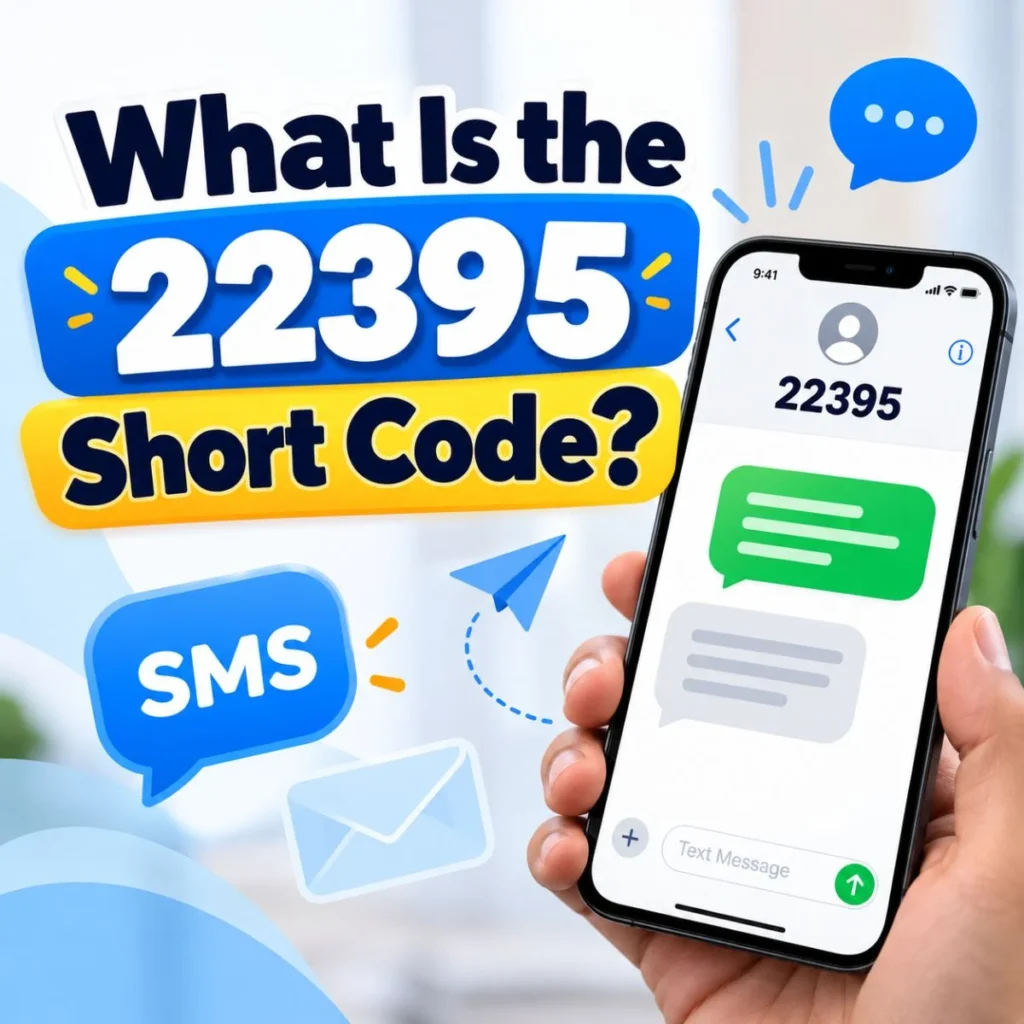
A short code is a relatively short telephone number used by organizations and automated messaging systems to send SMS messages. In the United States, short codes are commonly used for things such as authentication, alerts, marketing programs, and account notifications.
The 22395 short code has been associated with authentication and verification messages. Public records and current reports connect it with services using Twilio-related messaging infrastructure, while individual organizations can use SMS systems to send their own verification or account messages.
For example, one documented financial-service provider, Bluevine, says that 22395 is one of its numbers for multifactor authentication (MFA).
Amplify Credit Union also states that a one-time verification message used when speaking with one of its representatives can come from 22395.
This is why it can be misleading to search for one company and assume that company is automatically responsible for every message sent from the code.
A useful rule is:
The five-digit number identifies the SMS route, but the message itself tells you which service triggered it.
Look for the company or service name in the message, along with the reason for the code.
Why Did I Get a 22395 Text Message?
There are several legitimate reasons you might receive a message from 22395.
You requested a verification code
The most straightforward explanation is that you recently attempted to sign in, register, reset an account, or confirm an action.
The message may look something like:
- “Your verification code is 123456.”
- “Your security code is 482913.”
- “Use 741205 to verify your phone number.”
The exact wording and code will vary depending on the service.
You were completing two-factor authentication
Two-factor authentication, often called 2FA or MFA, adds an extra security step to an account. After entering your password, a service may send a temporary code to your phone.
If you initiated the login, receiving the code is normal.
The code should generally be entered only into the official login page or application that requested it.
Someone entered your phone number
An unexpected verification code does not automatically mean your account has been hacked.
Someone may have accidentally typed your phone number while registering for a service. They may also have entered it deliberately while attempting to start an account or verification process.
In either situation, receiving the code alone does not give the other person access to the code.
You were confirming a financial or business account
Some businesses use short codes for account authentication and transaction-related security processes. Bluevine, for example, publicly identifies 22395 as an MFA number.
If the text relates to banking or another financial account, take extra care. Never give an OTP to someone who contacts you and asks you to read it back.
You recently used an authentication service
Some applications rely on third-party communications providers to deliver verification codes. Public records have associated 22395 with authentication systems and services using Twilio infrastructure.
So you might recognize the company mentioned in the text even though the sender field only displays 22395.
Is a 22395 Text Message Legit or a Scam?
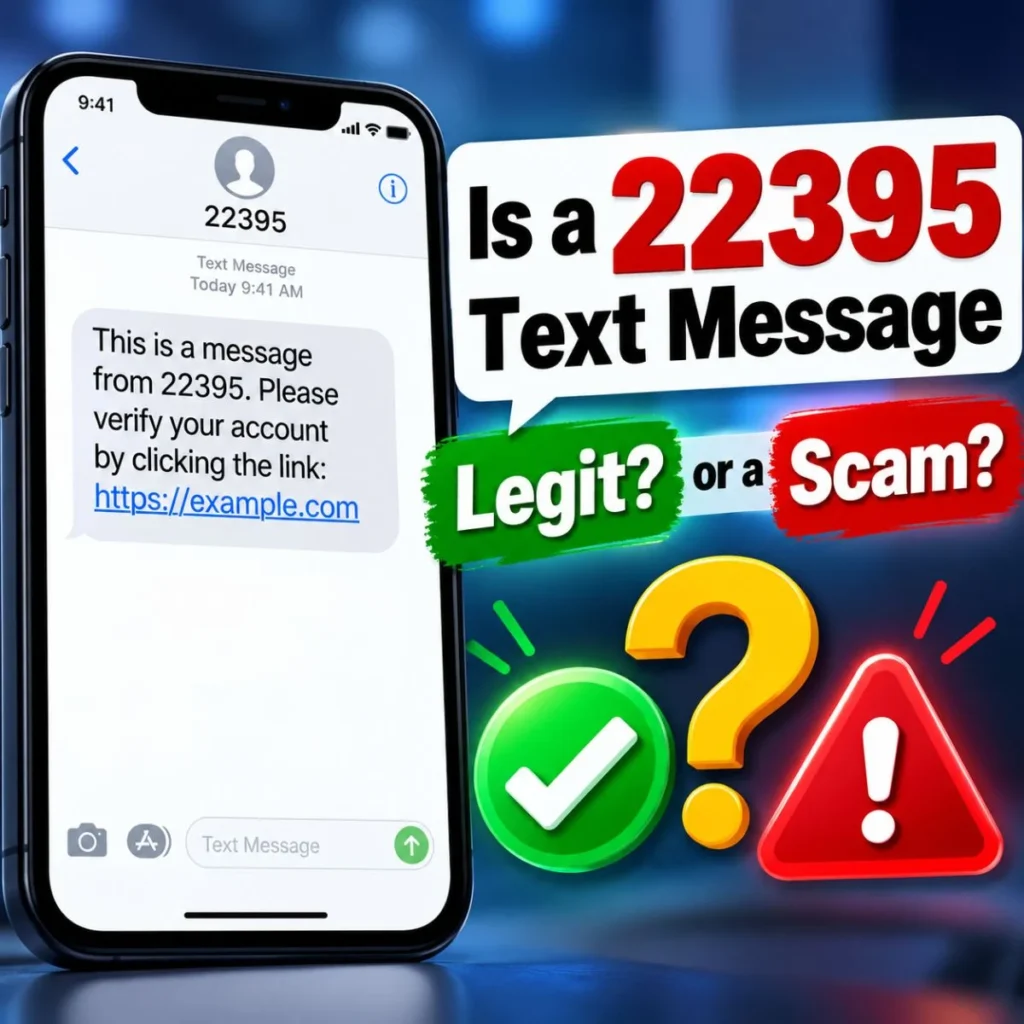
A message from 22395 should not be considered automatically legitimate or automatically fraudulent simply because of the number.
That distinction is important.
Current sources show legitimate uses of 22395 for authentication and verification, including documented use by organizations such as Bluevine and Amplify Credit Union.
At the same time, an authentic short code can be involved in an unwanted or suspicious interaction. For example, somebody could trigger a legitimate verification message by attempting to use your phone number and then contact you separately, asking you to provide the code.
The safest approach is to examine the context.
Signs the message may be expected
- You just requested an OTP.
- You are signing into an account.
- You are registering a new service.
- The message names a service you recognize.
- You initiated the action immediately before receiving the text.
- The code is intended to be entered into the service you are currently using.
Signs you should be cautious
- You never requested a code.
- Someone calls or messages asking you to tell them the OTP.
- The message asks for your password, card number, or other sensitive information.
- It creates urgency and pressures you to act immediately.
- It contains a suspicious link unrelated to an action you initiated.
- You cannot identify the service mentioned in the message.
If you did not request the code, the safest response is usually to ignore the code and avoid sharing it.
What Should You Do If You Didn’t Request the Code?
An unexpected 22395 text can feel alarming, but there is no need to panic.
Start by reading the entire message carefully.
If it says something like:
“Your verification code is 123456.”
and you did not request it, do not send that code to anyone.
Next, think about which accounts you recently used. Did you try to log in somewhere? Did someone in your household use your phone number? Did you start a new account or attempt a password reset?
If nothing comes to mind, check your important accounts directly through their official apps or websites rather than clicking an unfamiliar link in the SMS.
You can also change a password if you have a reason to believe someone is attempting to access an account. Enabling multifactor authentication is another useful security measure.
Most importantly, remember this:
Receiving an OTP is not the same as giving someone access to your account.
The code is normally the additional authentication factor. Someone who asks you to read it to them may be trying to obtain that factor.
Never Share a 22395 Verification Code
One of the most important rules surrounding unexpected OTP messages is simple:
Do not give your verification code to another person.
A scammer may already know your name, phone number, username, or even some information about an account. They may then attempt to log in and trigger a genuine verification message.
Shortly afterward, they might call or text:
“I accidentally sent the code to you. Can you send it back?”
Do not do it.
The code may be exactly what they need to complete the authentication process.
You should also be cautious if someone claims to be from a bank, technology company, marketplace, delivery company, or customer-support department.
If you need to contact the organization, use the contact information in its official app, website, statement, or account documentation rather than relying on contact information supplied by the unexpected caller.
What If the 22395 Message Contains a Link?
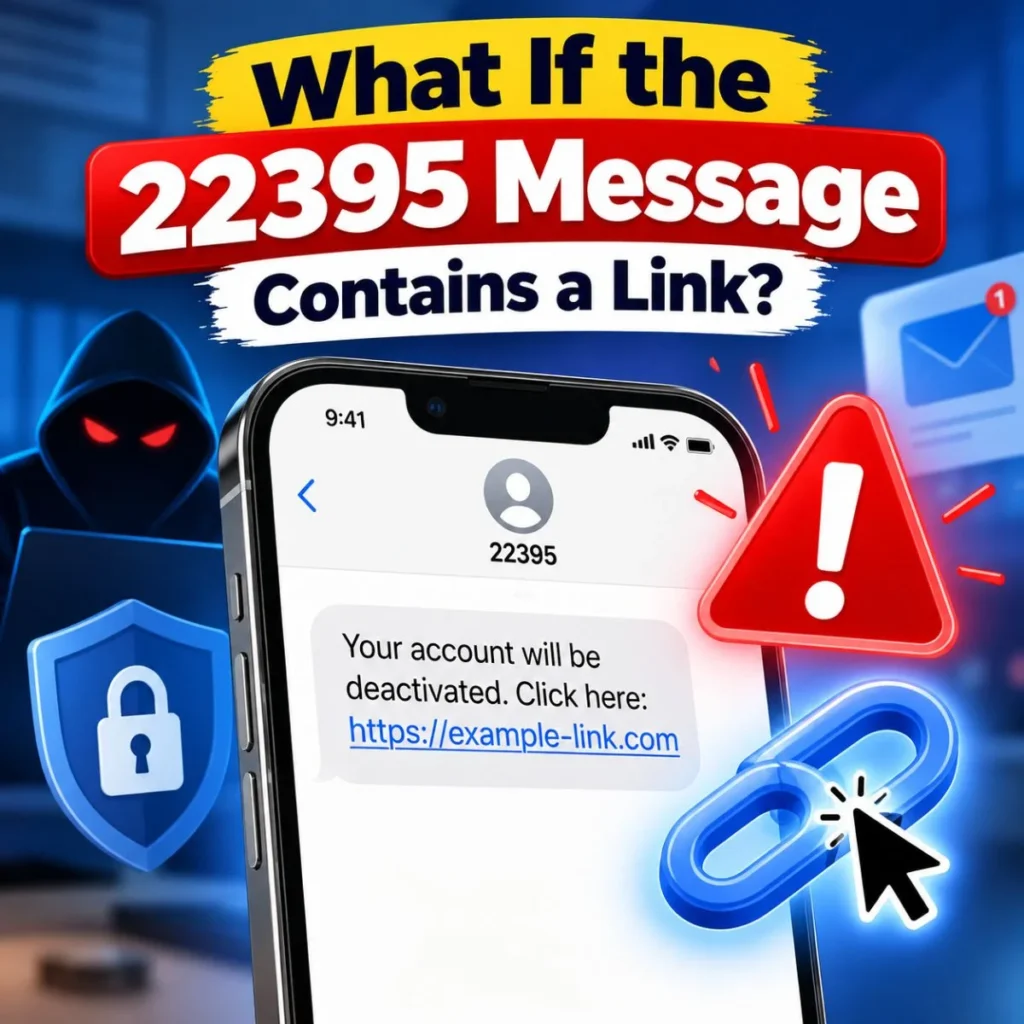
Treat links in unexpected SMS messages carefully.
A verification message that you requested may contain instructions associated with the service you are using. But if you receive an unexpected message containing a link, do not assume the link is safe just because the sender appears as a five-digit short code.
Instead:
- Check the message for the company name.
- Ask yourself whether you initiated the action.
- Avoid clicking unfamiliar links.
- Open the company’s official app manually.
- Visit the company’s official website by typing the address yourself.
- Check your account for recent activity.
- Contact official support if something looks wrong.
The safest way to verify an account-related message is to verify it through the account itself, not through a suspicious SMS link.
What Does “STOP” or “HELP” Mean for 22395?
Many SMS programs support standard keywords such as STOP and HELP.
Public short-code information indicates that these keywords can be used to request information or unsubscribe from certain messaging programs.
However, the correct response can depend on the particular messaging program.
If you recognize the service and no longer want its messages, follow that service’s official opt-out instructions.
If the message is suspicious, avoid interacting with it unnecessarily. Instead, verify the sender independently and use your carrier’s spam-reporting tools when appropriate.
You should also remember that blocking the number does not necessarily resolve an account-security problem. If the text was triggered because somebody is attempting to access an account, investigate the relevant account separately.
Common Types of 22395 Text Messages
The content of the message can give you clues about why it arrived.
Verification codes
These are among the most recognizable examples.
They usually contain a short numerical code and instructions telling you where to enter it.
Login authentication
You may receive a code after entering your username and password as part of two-factor authentication.
Account registration
New account creation can require phone verification.
Password or security changes
A service may send an OTP when you attempt to change security information.
Transaction authentication
Some financial services use SMS authentication to confirm certain actions.
Customer-support verification
Some organizations use one-time codes to verify a customer during a support interaction. Amplify Credit Union, for example, documents 22395 for one-time authentication in a representative interaction.
The exact purpose depends on the organization behind the individual message.
How to Check Who Sent a 22395 Text
If you want to identify the service associated with your message, start with the SMS itself.
Look for:
- The company name
- The name of the application
- The purpose of the verification
- A transaction description
- A reference number
- Instructions associated with an action you recently performed
For example, suppose your message says:
“Your [service name] verification code is…”
You now have a much better starting point than simply searching for “22395.”
Search for the company name plus the phrase “official support” and use the organization’s official website or application.
You can also check whether the company publicly lists 22395 as one of its messaging numbers. Some organizations publish their short-code information specifically so customers can distinguish legitimate messages from suspicious ones. Bluevine and Amplify are examples of companies that publish information about their SMS authentication numbers.
What If I Keep Getting 22395 Messages?

Repeated unexpected verification texts can be frustrating.
First, identify whether the messages all mention the same service.
If they do, someone may repeatedly be attempting to register, log in, or trigger verification using your phone number. In that situation, go directly to the service’s official website or application and review your account security.
If the messages mention different services, the situation may be unrelated to one particular account. Avoid clicking links or responding to messages you do not recognize.
You can also:
- Block unwanted messages through your phone.
- Use your carrier’s spam-reporting features.
- Report suspicious messages where appropriate.
- Review important account security settings.
- Change passwords when you have evidence of unauthorized activity.
- Make sure MFA is enabled on important accounts.
If a message claims that your account is compromised, don’t use the SMS itself as your only source of information. Verify the claim through the company’s official account portal.
How to Tell the Difference Between an OTP and a Scam
An OTP itself is not necessarily suspicious.
In fact, receiving a legitimate OTP can be a normal part of account security.
The suspicious part often begins when somebody tries to obtain the OTP from you.
Consider these two situations:
Situation A: You log into an account. The website asks for a six-digit code. A 22395 message arrives. You enter the code into the same official website.
Situation B: You receive an unexpected 22395 code. A stranger immediately calls and says they need the code to “cancel” a transaction.
The first situation fits a normal authentication process. The second deserves serious caution because you did not initiate the authentication and another person is requesting the security code.
22395 Text Message Safety Checklist
If you receive a message from 22395, run through this quick checklist:
- Did I request this code?
- Do I recognize the company mentioned?
- Was I just logging in or registering?
- Does the message match something I was doing?
- Is anyone asking me to send them the code?
- Does the message contain an unfamiliar link?
- Can I verify the notification through the company’s official app?
- Do I need to review my account security?
If you can answer these questions, you can usually determine your next step without relying on the short code alone.
What to Do With an Unwanted 22395 Text
If the message is simply unwanted marketing or an SMS program you knowingly joined, use the service’s official unsubscribe process.
If it is an unexpected OTP, do not use or share the code.
If someone contacted you asking for it, stop communicating through that channel and independently contact the organization if you believe there may be a genuine account issue.
If the message looks like spam or phishing, report it through the appropriate tools available from your mobile carrier or messaging application.
Most importantly, don’t let an unexpected text pressure you into making a rushed decision.
Frequently Asked Questions About 22395 Text Messages
What is a 22395 text message?
A 22395 text message is an SMS sent from the five-digit short code 22395. Current documentation associates the code with automated authentication and verification messages, although the exact organization behind a particular message depends on its content and the service that triggered it.
Is 22395 a legitimate number?
22395 has documented legitimate uses for authentication and verification. For example, Bluevine identifies 22395 as an MFA number, while Amplify Credit Union documents it for certain one-time verification purposes.
That does not mean every unexpected message should automatically be trusted. Always evaluate the context and never share an unsolicited verification code.
Why did I receive a 22395 code when I didn’t request one?
Someone may have entered your phone number while trying to register, log in, or verify an account. It could also be an accidental entry of your number. Receiving the code alone does not mean the person has successfully accessed your account.
If the code was unexpected, don’t share it and check the relevant account through its official app or website.
Should I give my 22395 verification code to someone who calls me?
No. You should not give a one-time verification code to someone who calls, texts, or emails asking for it. If someone claims to represent a company, independently contact that company through its official support channel.
Can I reply STOP to 22395?
Some messaging programs support standard opt-out keywords such as STOP, and public information about 22395 indicates that STOP may be used for certain programs.
However, if you are dealing with an unexpected authentication message, the more important step is to secure and verify the associated account rather than simply treating the text as marketing.
What should I do if I keep receiving 22395 OTP messages?
Don’t share the codes. Identify the service named in the messages, then check that account directly through its official application or website. If you find suspicious activity, change your password and review your authentication settings.
Final Thoughts
A 22395 text message can look mysterious because a five-digit short code doesn’t immediately tell you which company triggered the SMS. But the number itself is only part of the story. Current documentation shows that 22395 can be used for authentication and verification, including documented MFA and customer-verification purposes.
If you requested a code, use it only where you originally requested authentication. If you did not request it, don’t panic—but don’t ignore your account security either. Most importantly, never give an OTP to someone who asks you to read it back.
When in doubt, skip the link in the text and go directly to the official application or website of the service named in the message. That small habit can help you distinguish an ordinary security notification from a potentially risky interaction.
The best response to an unfamiliar short code isn’t to trust it blindly or assume it’s a scam. Check the context, verify the sender independently, and protect your verification code.

Muhammad Sarfraz is a content creator and author at Message Ideas Daily, passionate about creating heartfelt, practical, and meaningful message ideas that help people express their feelings and connect with others.